Select plugin version:
Since version: v1.0.0
Setup Editing Options
Field settings let you control user access to table editing options and define both default settings and table content.
Example
The following video shows how to set a predefined table header that users cannot change or remove, how to disable column movement and restricts cell content editing to simple text. It also shows how to deactivate several irrelevant user options.
Disabling Tool Buttons
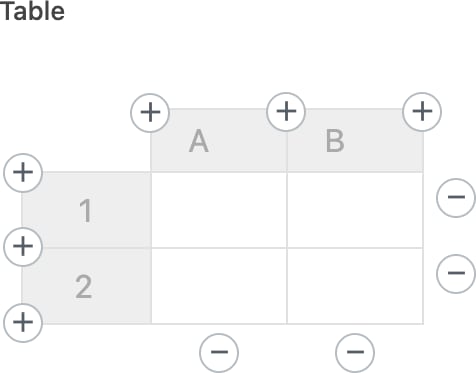
If you want to make certain tool buttons unavailable in the table editing view, disable all corresponding editing and style options in the field settings. So, if you disable all editing and style options, you’ll end up with no tool buttons available, as in the following image.