
Since version: v1.6.0
No table output if empty
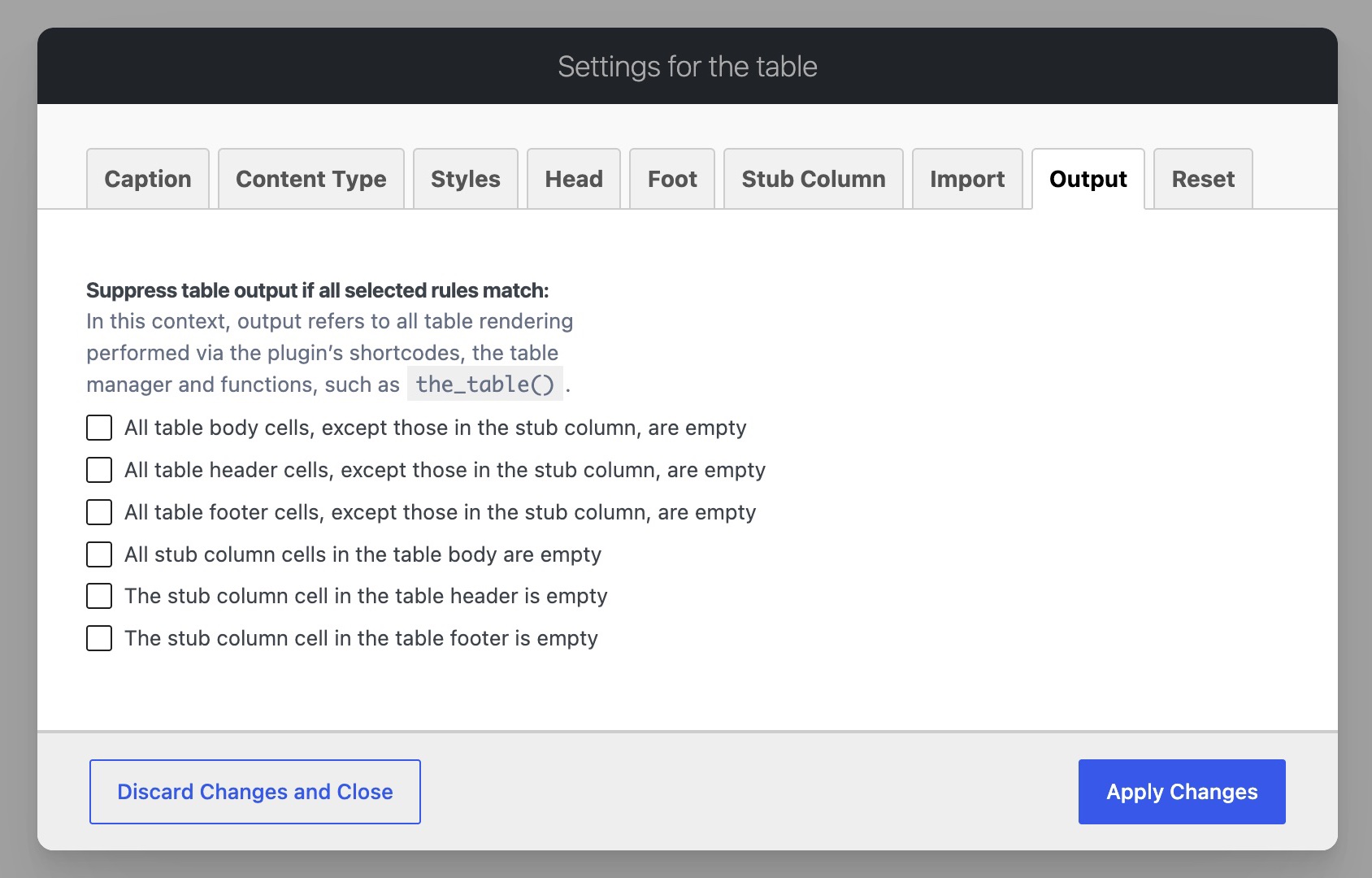
This feature allows you to exclude empty or incomplete tables from the output, helping you keep your pages clean, focused, and free of empty layouts. You can combine multiple conditions to define when a table is considered empty, including header, footer, stub‑column, and body cells.
For the cells where the header, footer, and stub column overlap, separate options are available to provide greater flexibility. The reason is that, according to the HTML specification, the header and footer semantically share these intersecting cells with the stub column.
Demo
This demo showcases how an ACF‑powered block leverages the Table Field’s built‑in output suppression logic to automatically hide tables that include a header and a stub column but no body content.
Showcases:
- going through the block files — demonstrating how the “table is empty” message shown in block previews is handled
- importing a table with header, stub column, and content — loading structured table data via the ACF Table Field
- disabling output when body cells are empty — applying the Table Field’s suppression logic to hide empty tables